RehearseIt!

Master Your Music

The Practice Automation Workstation™ for serious musicians.
Smart looping, tempo control, pitch shifting, and precision playback — built for real practice.

Get RehearseIt! Now →

Built for Musicians

🔁

SmartMarkers and SmartRegions

Create unlimited markers and regions. Fast navigation. Loop any section with frame-accurate precision for focused practice.

🗂️

Multi-Workspace Session Management

Work with multiple views of the same song, each with its own markers and layout..

Speed & Pitch Control

Slow down complex passages or change pitch without affecting tempo. Perfect for transcription and ear training.

🎵

BPM Aware

Tap tempo detection and automatic beat grid. Stay locked to the groove while practicing.

🎛️

MCU Control Surface

Full support for external control surfaces. Hands-on faders, knobs, and transport for seamless workflow.

📊

Professional Metering

Broadcast-quality VU meters with peak hold. Monitor your levels like the pros.

🎸

Made for Practice

Designed by musicians, for musicians. Every feature crafted to enhance your rehearsal sessions.

🎙️

Record Speaker Audio

Record and save any audio coming out of your computer speakers.

↔️️

Forward and Reverse Scrubbing

Use mouse or MCU control surface to scrub the audio.

Get RehearseIt! Now →

See RehearseIt! In Action
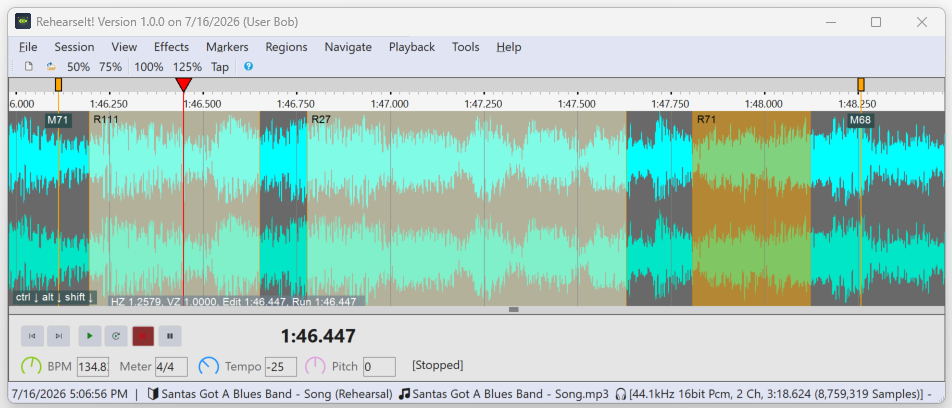
RehearseIt! Main Window

Main Waveform View

The core workspace — clean, precise, and built for serious practice. Zoom, loop, speed up, slow down, change pitch, and analyze any passage with frame‑accurate clarity.
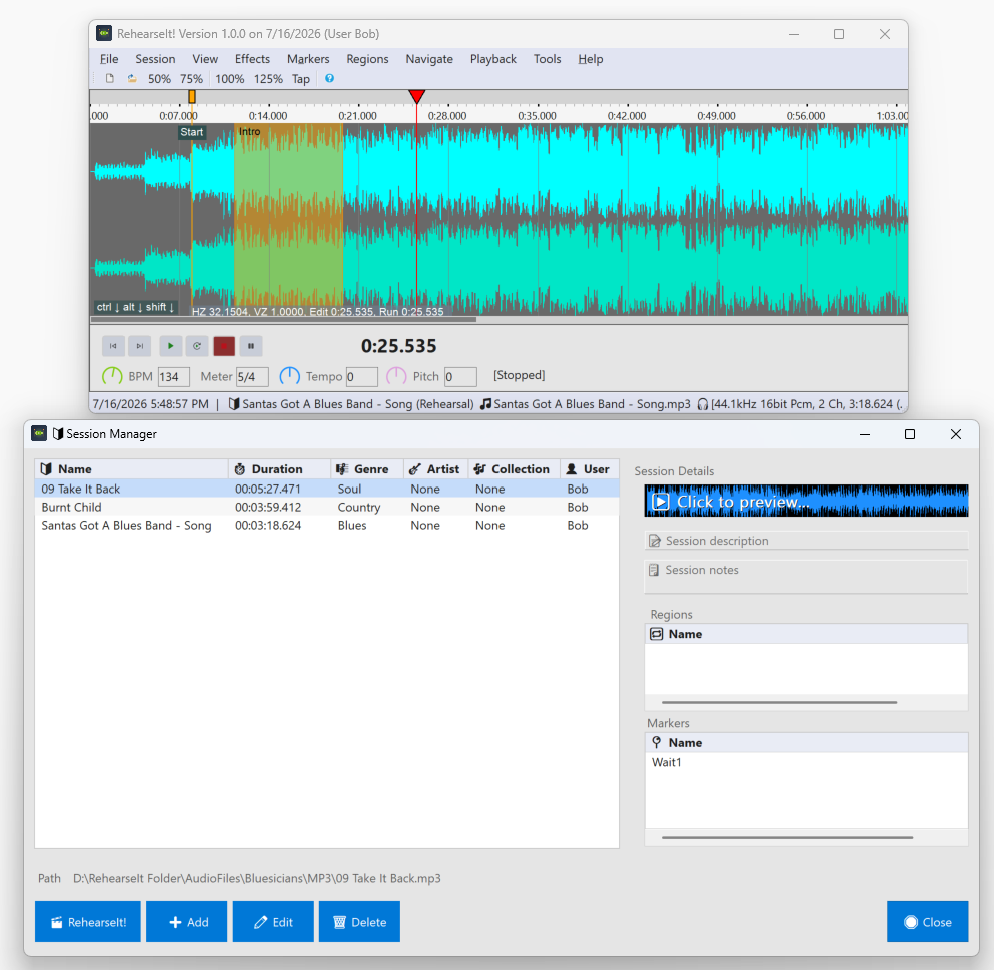
Smart Session Manager

Smart Markers & Regions

Create markers, define regions, and loop tricky sections instantly. Perfect for mastering fast runs, solos, and complex rhythms.
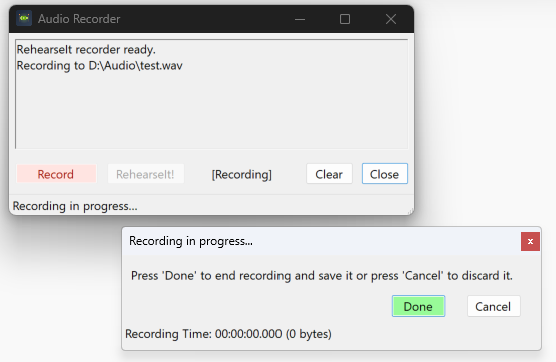
Speaker Recording Mode

Record From Your Speakers

Capture any audio played through your speakers. RehearseIt! records exactly what you hear — no routing, no setup.
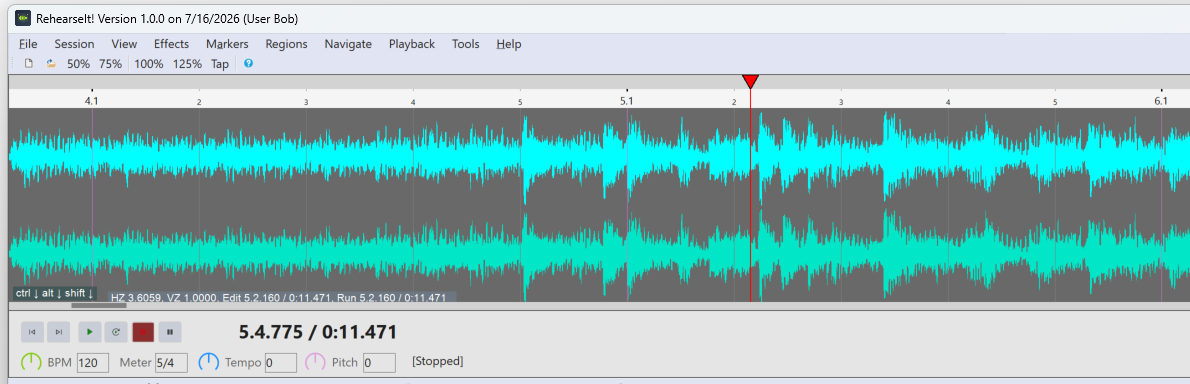
Beat/Measure Mode

Beat/Measure Mode

View and navigate around your song using beats and measures. Adjustable BPM and you can drag the timeline to where you want the 1st downbeat.
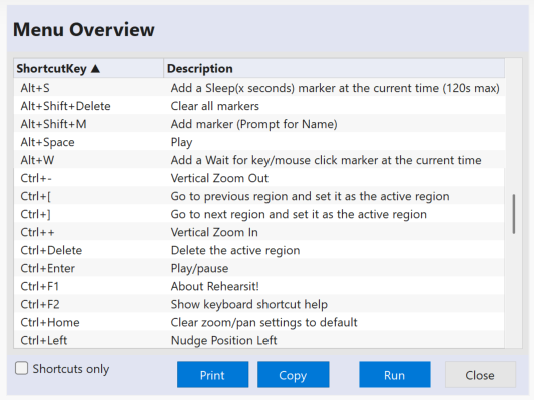
Keyboard Shortcuts

Fully navigable Shortcuts

Fully documented and active shortcut navigation. Run the shortcut right from the list. No more guessing.
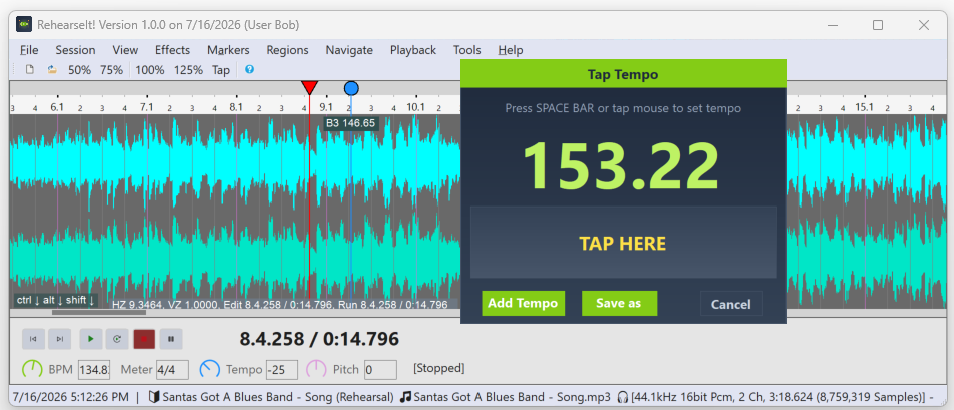
Tap Tempo

Tap-Tempo

Tap in the tempo with your mouse to correct the BPM setting.
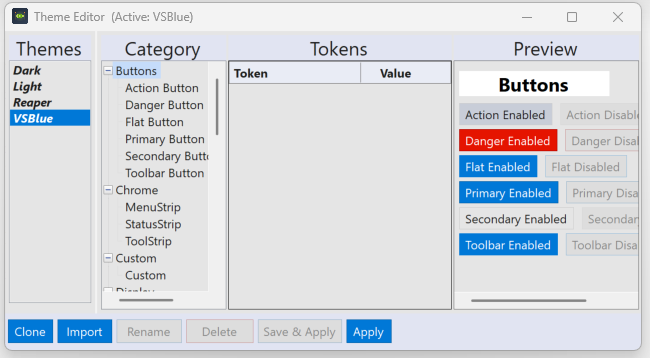
Theme Editor

Theme Editor

Make it look the way you want. Comes with 4 built-in themes.